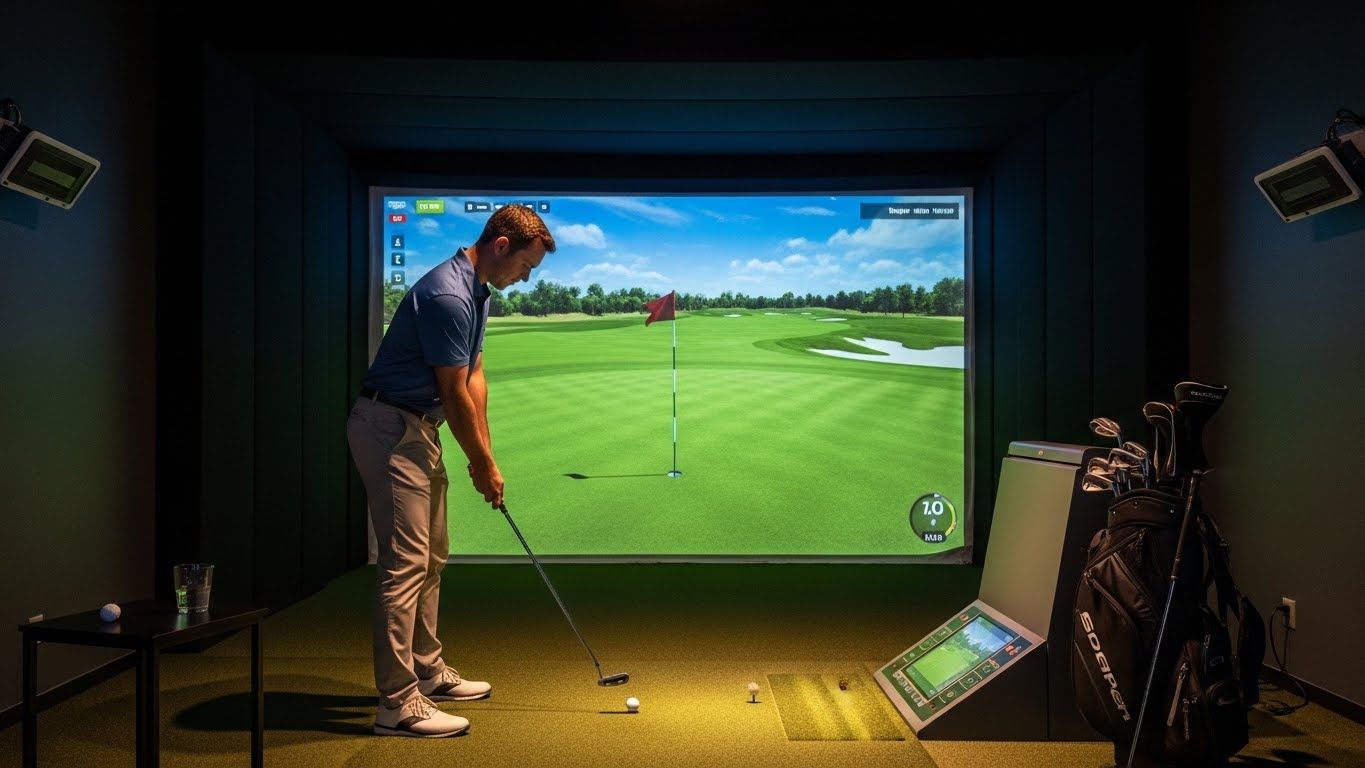
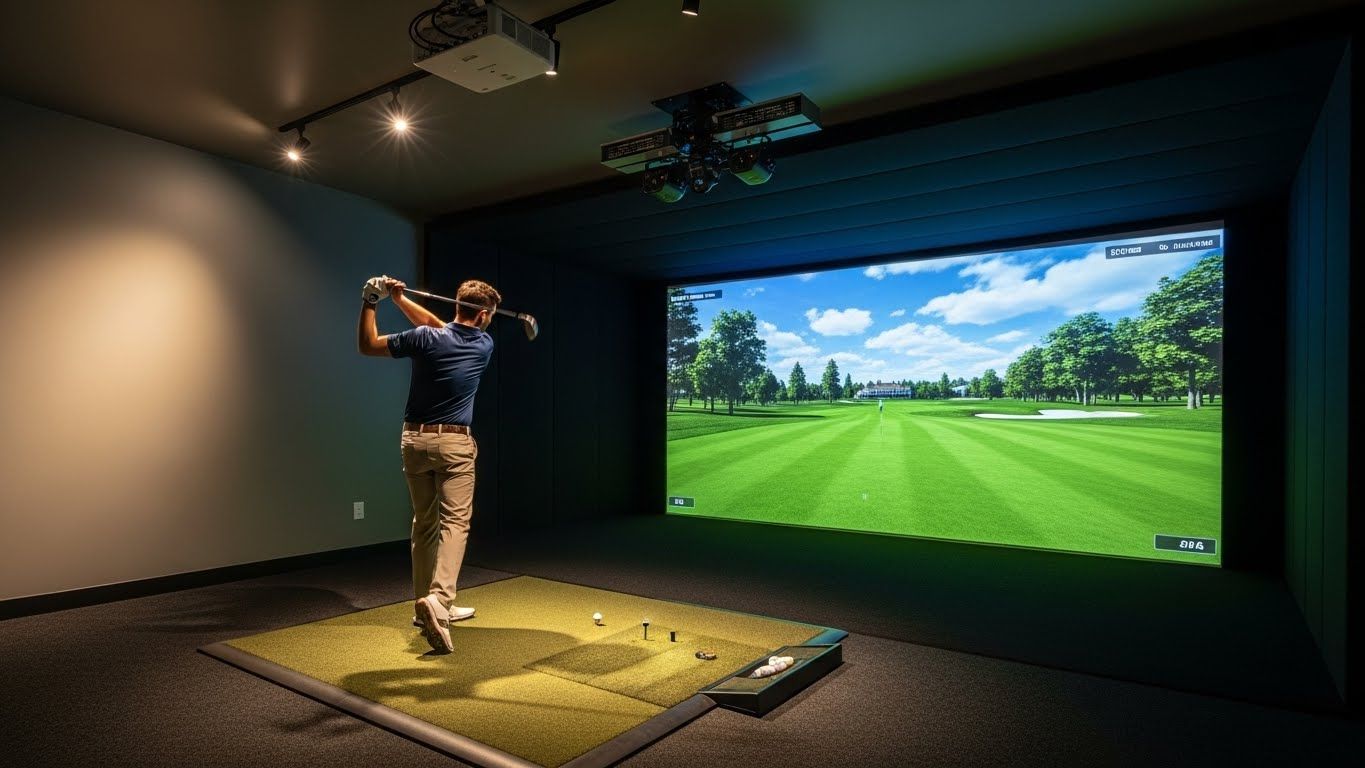
Now, where does the simulator come in? Most entry-level and mid-range simulators are calibrated to a default altitude — typically sea level or something close to it. The ball flight algorithms are built around standard air density, which means if you're playing on a simulator in Denver, the numbers it's spitting out are still based on sea-level conditions unless you've specifically told it otherwise.
Some simulators let you adjust altitude in the settings. This is worth hunting for if you play golf regularly at elevation and want your practice sessions to actually translate. When you dial in your real-world altitude, the simulator recalculates ball flight and carry distances accordingly. The result is practice data that actually matches what you'll experience when you take your game outside.
The more sophisticated launch monitors — Trackman, Foresight, FlightScope — handle this well. They either adjust automatically based on GPS location or let you input elevation manually. Budget systems often don't offer this at all, which isn't the end of the world for casual use but is worth knowing if you're serious about using simulator data to dial in your game.
There's another layer to this that's easy to miss. Altitude doesn't just affect carry distance — it also changes how the ball behaves in the air. At higher elevations, the ball tends to fly a little higher because it's spinning in thinner air with less resistance, and the trajectory can feel different even with the same swing. Spin rates interact with air density too, so a ball that checks up quickly at sea level may release more at elevation.
For most recreational players this is a background consideration, but if you're working with a simulator to build a dependable yardage book for a high-altitude home course, understanding how altitude affects your golf swing simulator calibration is the difference between useful data and data that leads you astray.
The practical takeaway is pretty simple. If your simulator is in a sea-level city and you play most of your golf there, don't worry about it — the numbers will match your real life closely enough. But if you live in or regularly visit a high-altitude market and want your simulator practice to mean something when you step onto a real course, take ten minutes to check whether your system has an altitude setting and get it configured correctly.
And if you're shopping for a simulator specifically for high-altitude practice, it's worth asking — before you buy — whether the software supports altitude adjustment. It's one of those features that doesn't make the headline spec sheet but makes a real difference in whether your practice translates to the course.
Your swing doesn't change with altitude. The air does. A good simulator should know the difference.