
A launch monitor is essentially a highly sophisticated measuring tool. You hit a ball, and it captures a detailed snapshot of what happened — ball speed, club head speed, launch angle, spin rate, carry distance, shot shape, smash factor, and more depending on the model. That data gets displayed as numbers, sometimes alongside a basic visual of ball flight on a companion app. That's it. It measures. It reports. It doesn't put you on a virtual fairway at Augusta or show you a 3D rendering of your shot flying toward a green. It gives you the raw information your swing produces, which is genuinely powerful for practice and improvement — but the experience is analytical, not immersive.
What's the Difference Between a Golf Simulator and a Golf Launch Monitor?
If you've been researching indoor golf setups and find yourself using "golf simulator" and "launch monitor" interchangeably, you're in good company — most people do. But understanding the golf simulator vs launch monitor difference is actually pretty important before you spend any money, because these two things serve genuinely different purposes and the gap in cost and space requirements between them is significant.
Here's the clearest way to think about it: a launch monitor is a device. A golf simulator is a system. And every golf simulator contains a launch monitor as its core component — but a launch monitor on its own is not a simulator.
Golf Simulator vs. Launch Monitor — They're Not the Same Thing
Get a Free Quote
Contact Us
Residential & Home Golf Simulator Installation
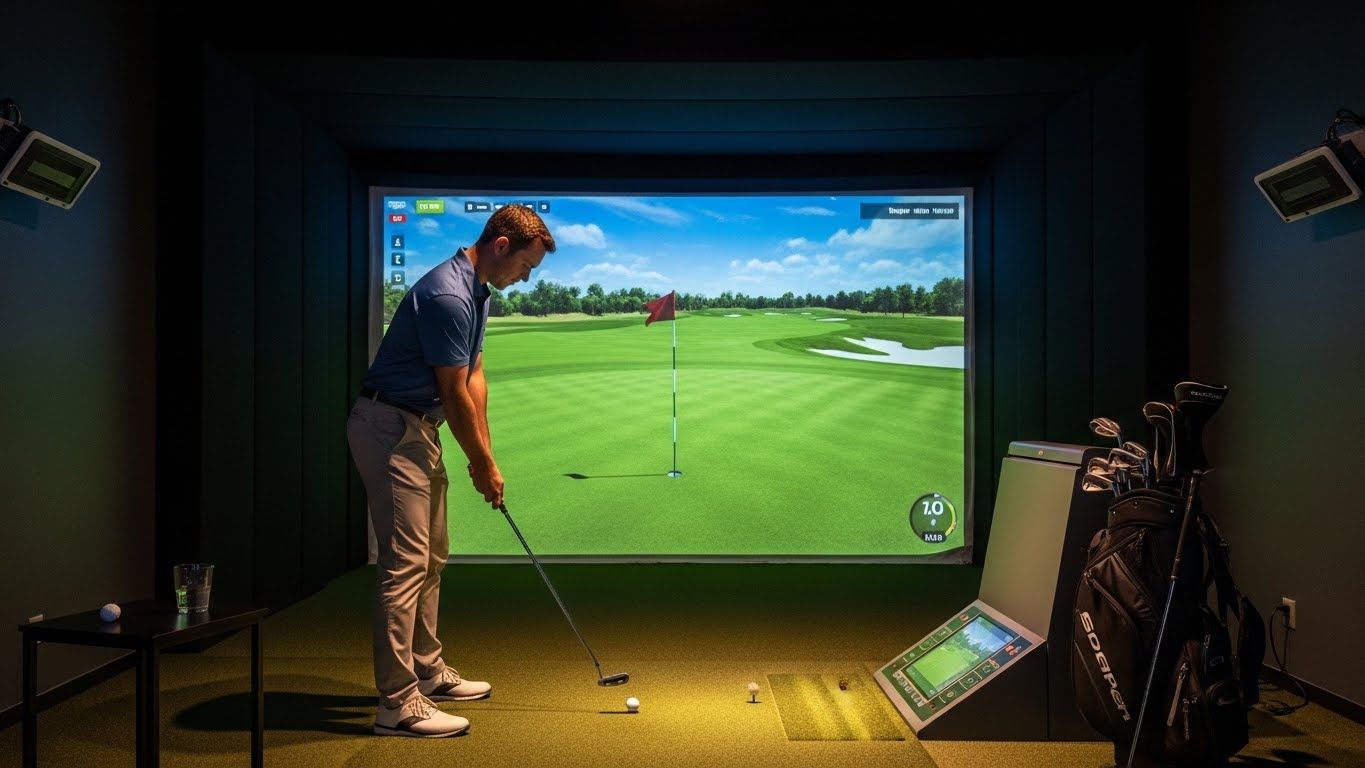
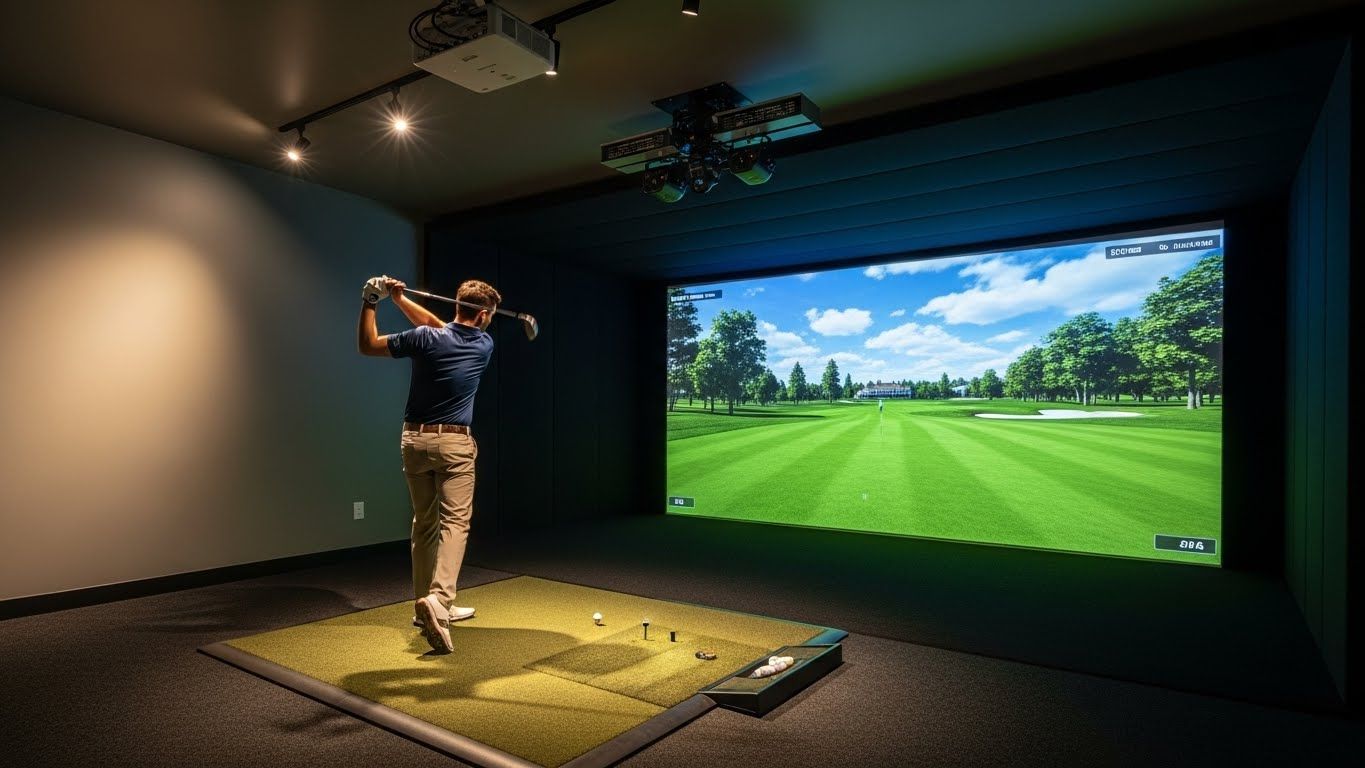
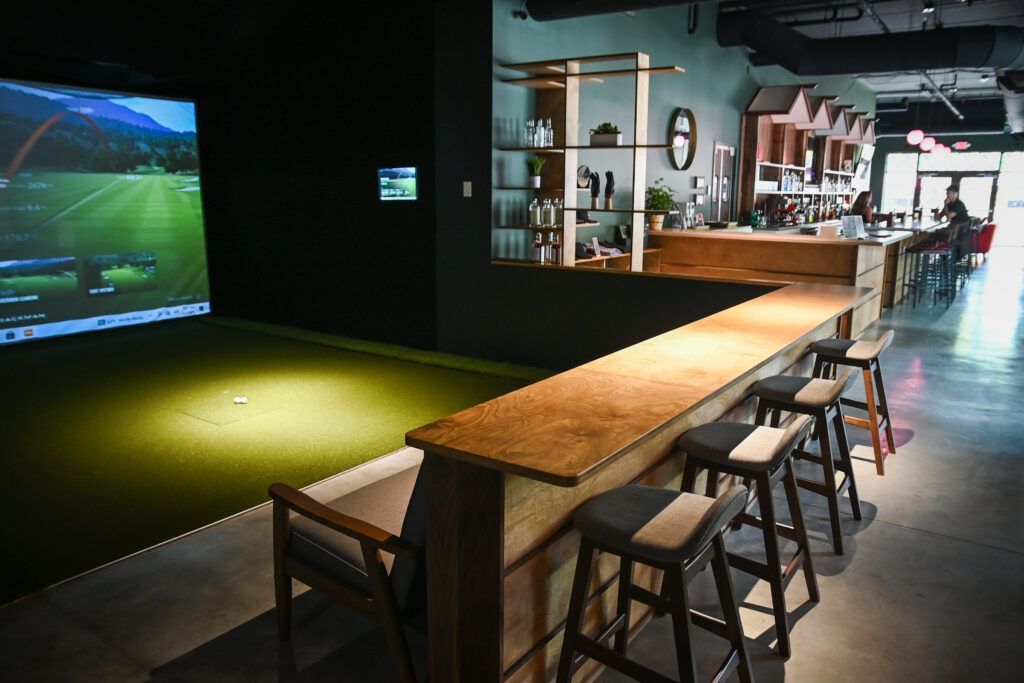
A golf simulator takes that same launch monitor data and wraps a complete experience around it. Add a hitting mat, an impact screen, a projector, an enclosure, and simulation software, and suddenly those numbers become a virtual ball flying down the 18th fairway at Pebble Beach. You can play full rounds on famous courses, compete against friends, track your stats round over round, and feel like you're actually playing golf rather than standing in front of a spreadsheet. The simulator uses the launch monitor's measurements to calculate and display ball flight in a virtual environment, accounting for things like wind and elevation changes in the software.
The practical implications of the golf simulator vs launch monitor difference come down to three things: cost, space, and purpose.
On cost, the gap is real. Entry-level portable launch monitors start somewhere around $300 to $500. Professional-grade units used in tour fitting bays can run $10,000 to $20,000 or more. A full simulator setup — including the screen, enclosure, projector, mat, and software subscriptions — starts around $1,500 to $3,000 for a basic package and climbs well past $20,000 for commercial-grade systems. You're essentially paying for the complete physical environment and the software experience on top of the measurement technology.
Space is the other big factor. A launch monitor is portable — many fit in a golf bag, and some barely larger than a phone can sit at the end of a mat and give you useful data in a backyard, garage, or spare room. A full simulator needs dedicated space: typically at least 10 feet wide, 10 feet long, and 9 feet of ceiling height as a minimum, with most comfortable setups running larger than that. You're building a room around it, not just placing a device.
For purpose, a launch monitor shines brightest for technical practice and improvement. If you want to understand your swing, dial in your distances, work with a coach on specific metrics, or do club fitting work, a launch monitor gives you exactly what you need without the overhead of a full setup. It's focused, data-driven, and portable enough to use at a range or on the course.
A simulator adds the entertainment and immersion layer. It's better for staying engaged through long practice sessions, playing full rounds year-round when you can't get outside, and the social experience of competing with friends in your home setup. It trains the same skills but wraps them in something that feels much closer to actual golf.
The smartest realization many golfers eventually land on is that these aren't competing choices — they're complementary. Many modern portable launch monitors like the Foresight GC3 or SkyTrak+ can function as standalone data devices at the range and then plug directly into simulator software at home for full course play. You get both experiences from one device, which makes the budget easier to justify and the setup far more flexible.
If you're still working out which direction makes sense, start by asking what you actually want to do with it. Pure improvement and data? A quality launch monitor is all you need. Full course play, year-round entertainment, and immersive practice? Budget and plan for the complete simulator experience. And if you want both, the good news is you don't have to choose.


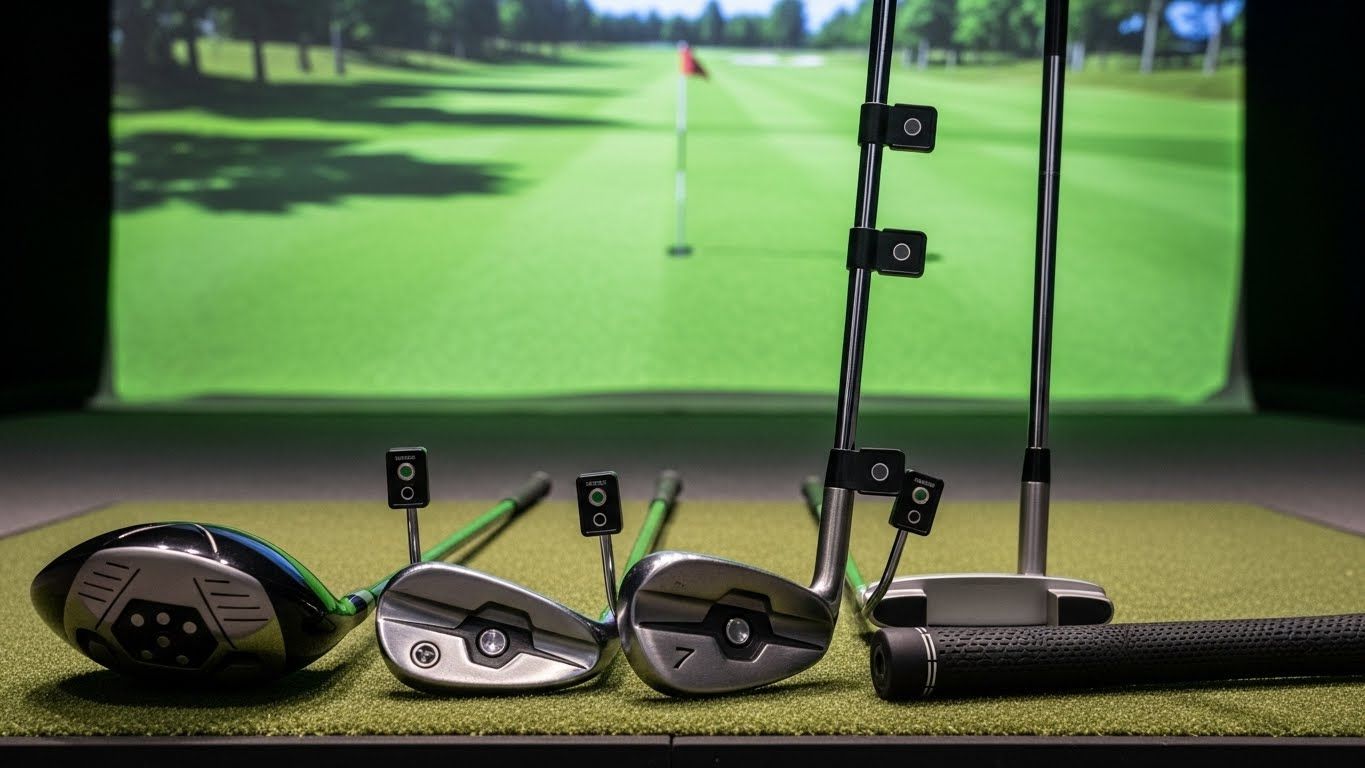
So does indoor golf improve your game? Yes — consistently and meaningfully for ball-striking, somewhat for course management, and less so for short game unless you're deliberately addressing it. The golfers who see the biggest gains are the ones who treat the technology as a practice tool rather than a game, stay curious about what the data is telling them, and show up regularly enough to build real consistency. The screen in the garage can absolutely make you a better golfer. What happens in front of it is up to you.
Colorado Springs Indoor Golf Installation Near Me?
Broadmoor, CO
Northgate, CO
Briargate, CO
Flying Horse, CO
Old North End, CO
Cathedral Pines, CO
High Forest Ranch, CO
Cedar Heights, CO
Peregrine, CO
Winsome, CO
Rockrimmon, CO
Cordera, CO
Wolf Ranch, CO
Black Forest, CO
Monument, CO
Manitou Springs, CO